Daywright
← All Around Find Out apps

Something to do. Time to do it.

Your day.
Your work.
Your to-dos.

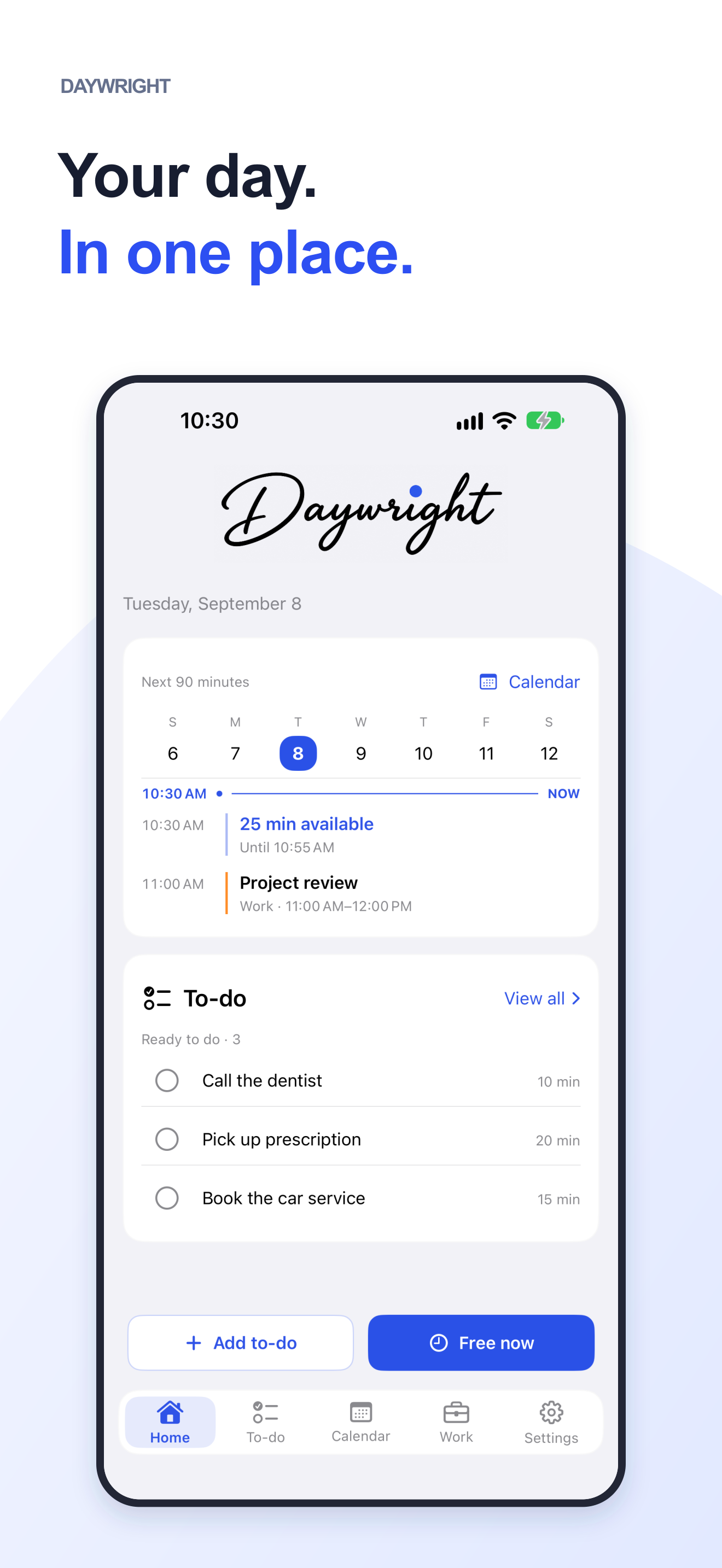
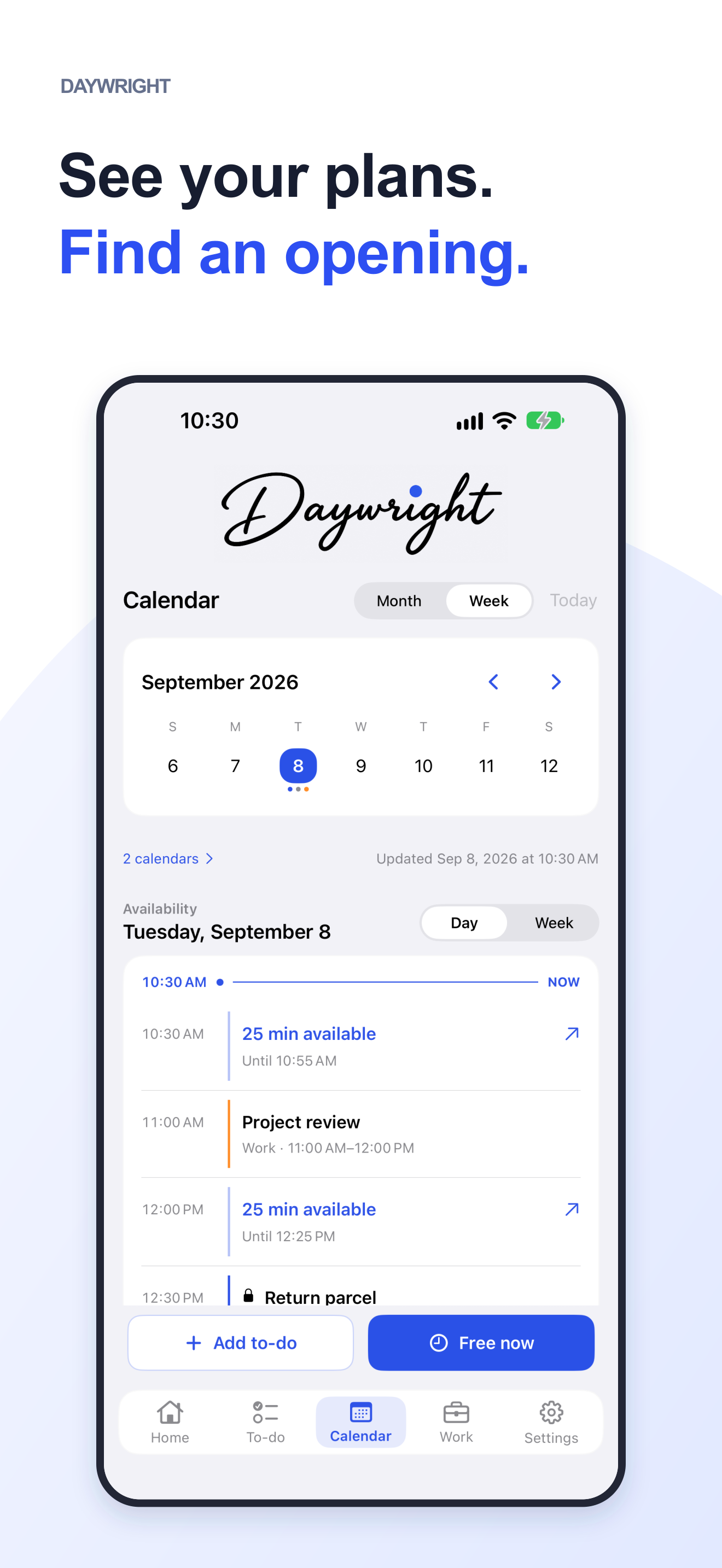
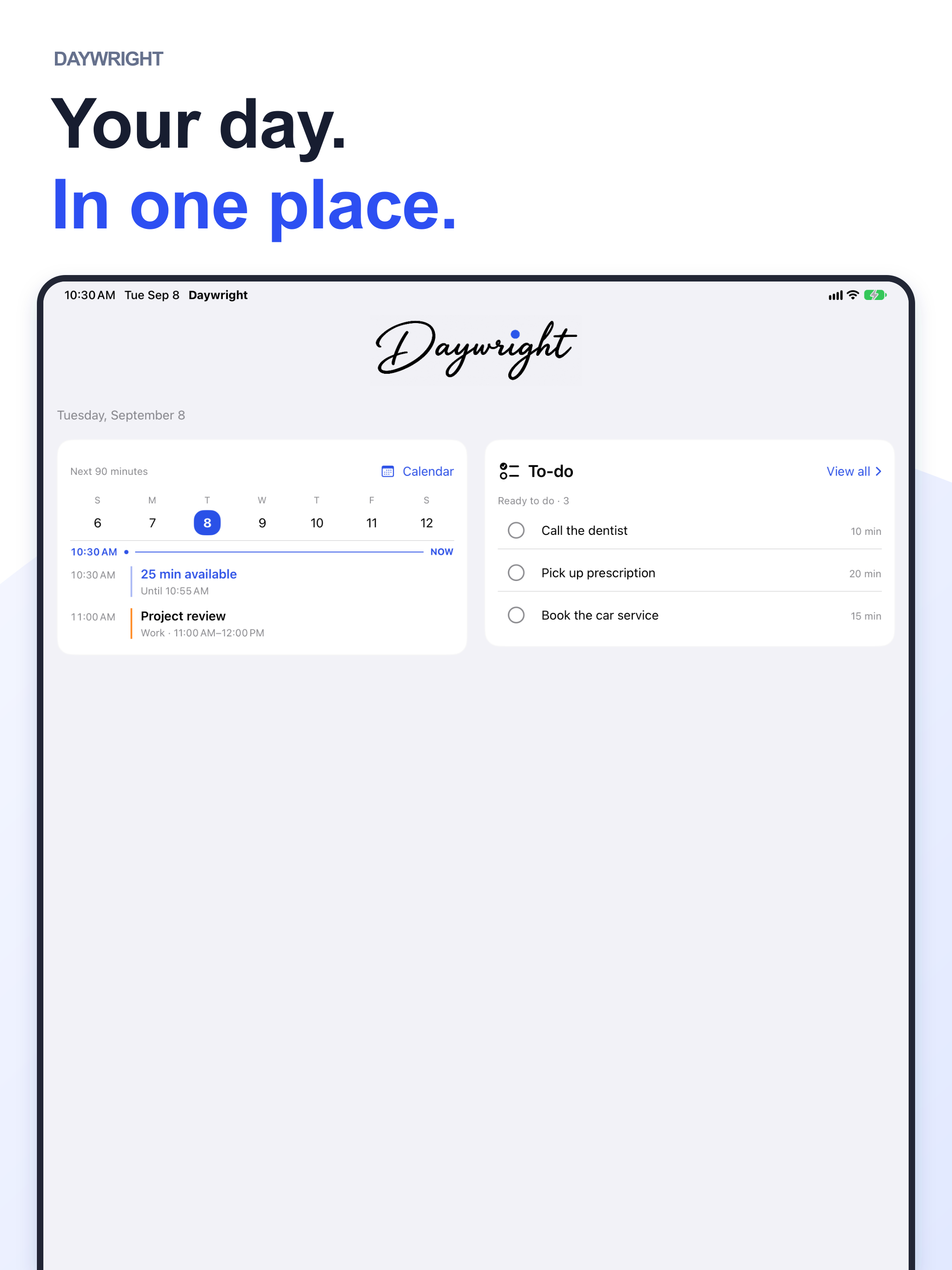
Bring your to-dos, calendars and shifts into one clear view. Find something that fits your time, keep your place, and share a copy when you need to.

For iPhone & iPad · Start with Free

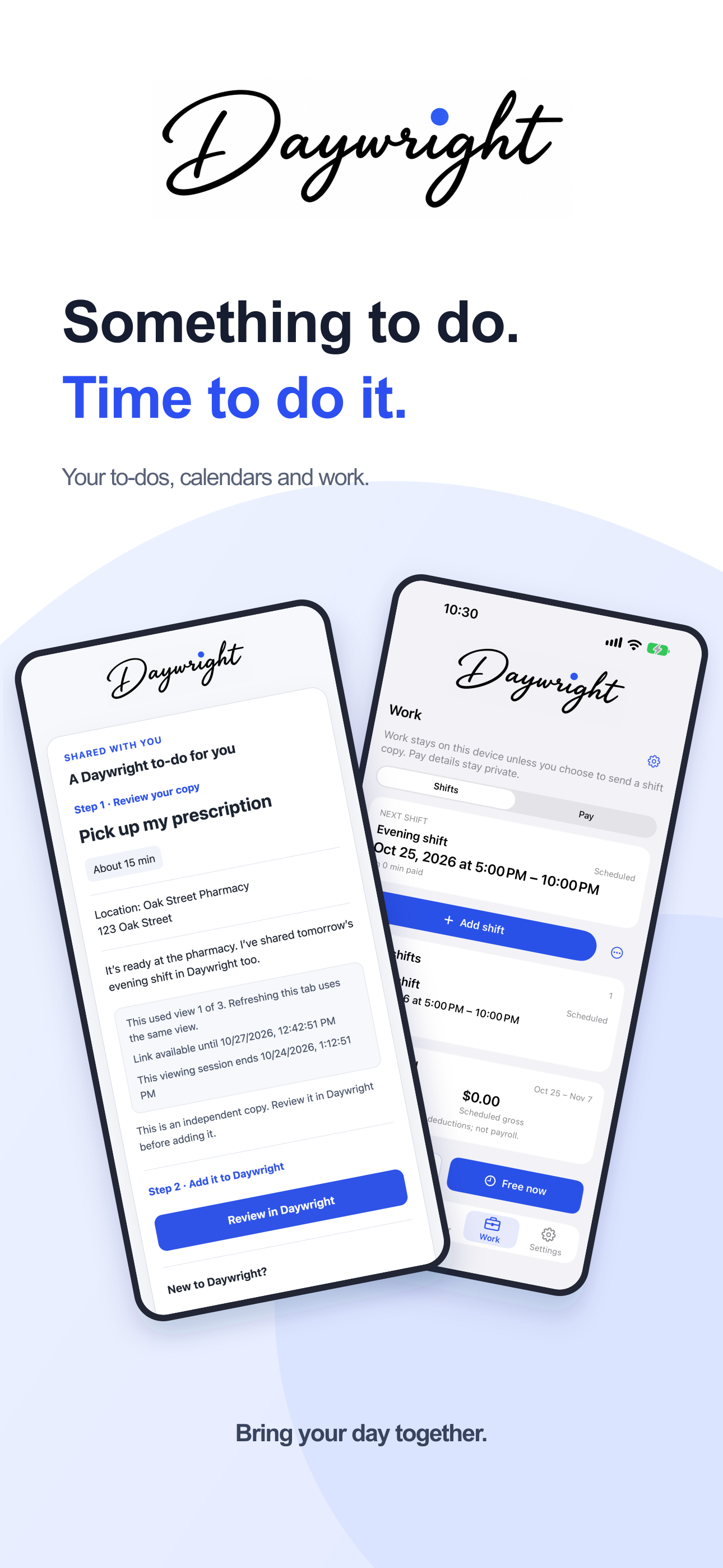
Daywright overview: browser receiving on the left and Work with a saved evening shift on the right.
Version 1.0.1 preview · Fictional example data · Pay estimates require Plus

A little more together

For the work and
life in your day.

From the next small job to a changing work week. Keep it all in view, and choose what happens next.

Take a closer look

A clearer view of your day.

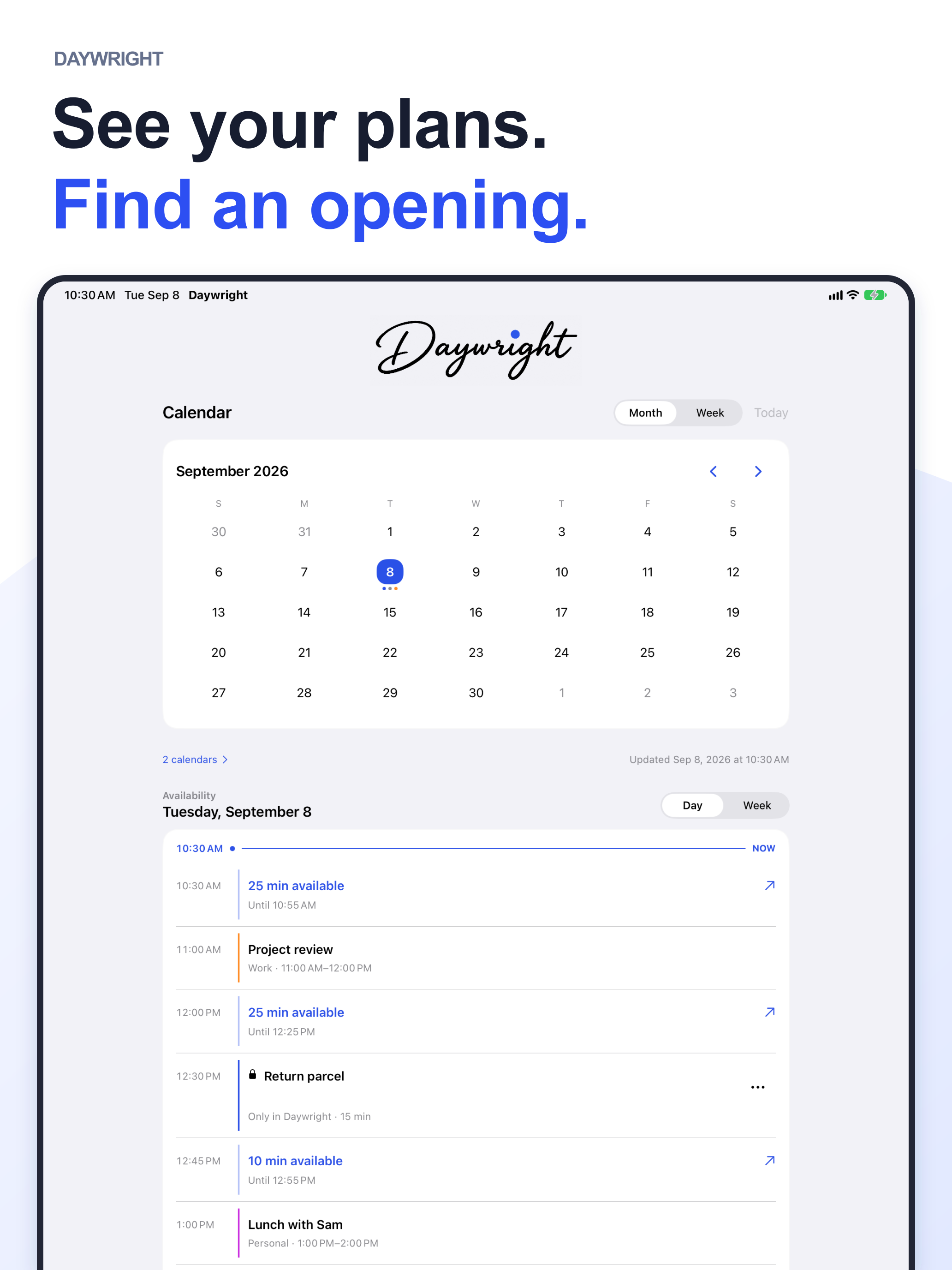
See Daywright on iPad

01 / Planning & progress

A to-do that fits
the time you have.

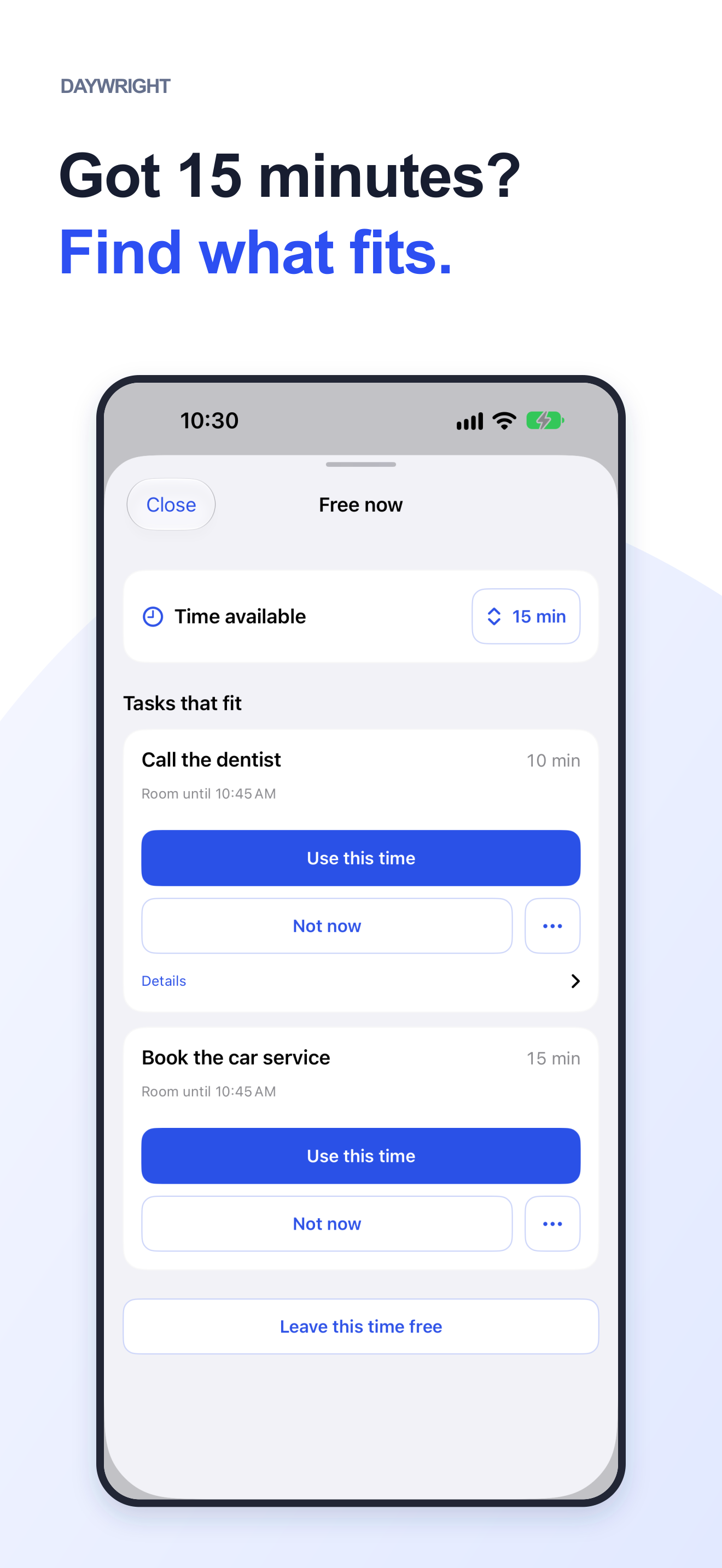
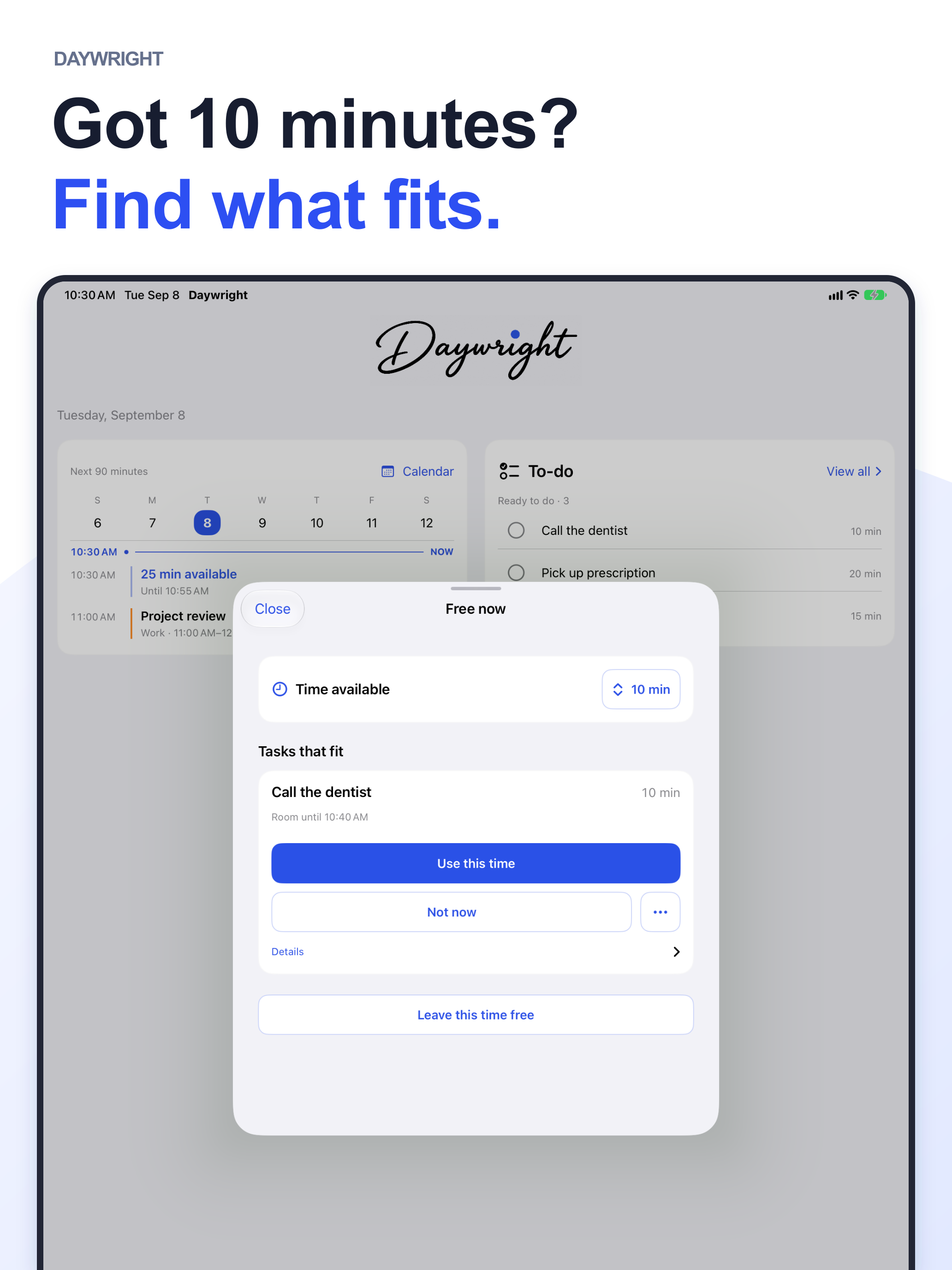
Ten minutes before you leave? A gap between appointments? With Plus, Free now helps you find something that fits. You choose what gets scheduled.

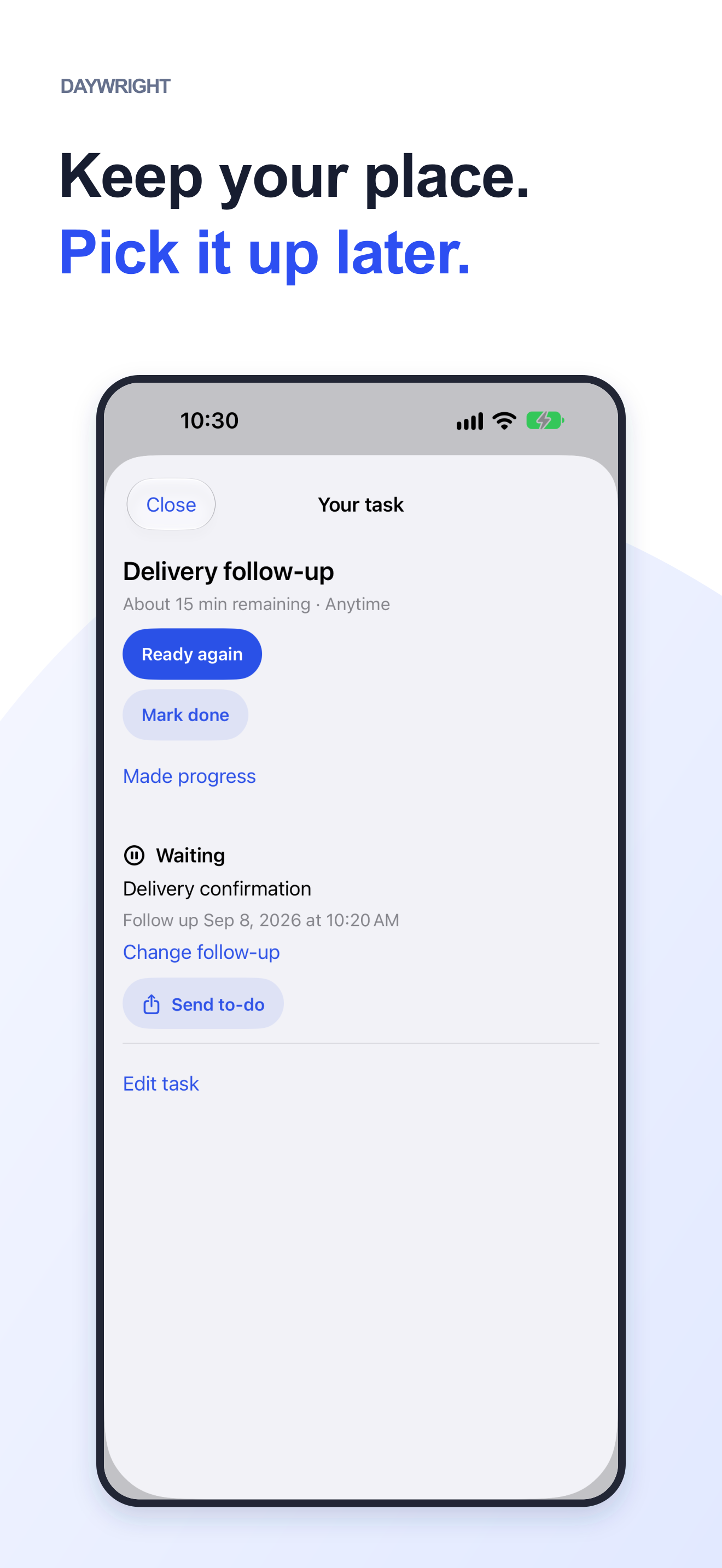
Start it. Pause it. Find your place.

Record your progress and what’s left. Waiting for someone? Keep the reason and an optional follow-up date with Plus.

Time-fit planning & progress · Plus

A little opening

25 minutes free

10:30–10:55

Room for one small thing.

Before your next appointment

Call the garageOne thing off your mind.10 min

Planning illustration · Fictional example

03 / Shifts, hours & pay

Work changes.
Keep your week in view.

Keep shifts alongside your calendar and personal plans. Manual shifts are included with Free.

A clearer picture of your work.

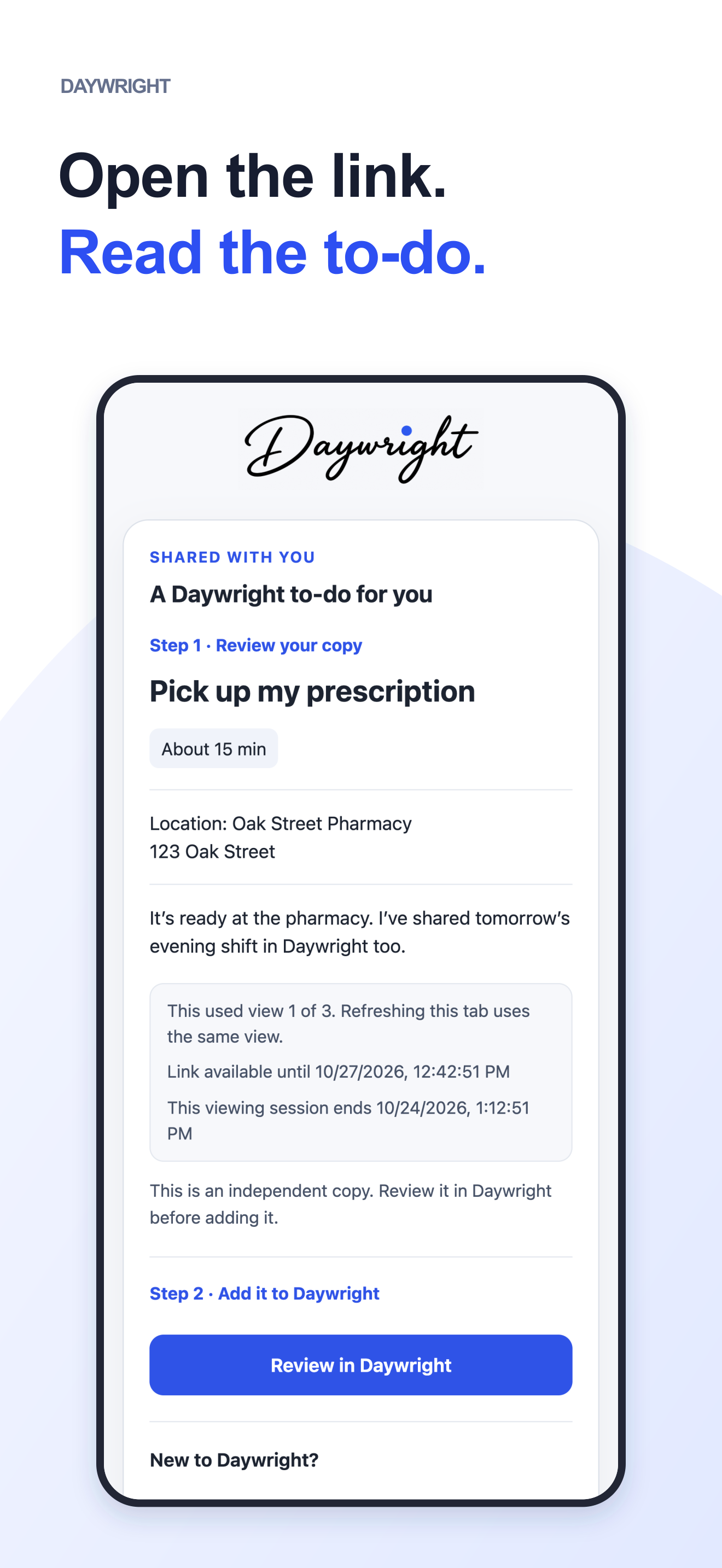
Plus adds templates, rotations, actual hours and gross pay estimates. Send a shift copy without sharing your pay or recorded hours.

Pay figures are personal estimates, not payroll or take-home pay. Sharing a shift doesn’t change your schedule or confirm coverage.

Work, with life around it.

Your week
THU22

Evening shift

5:00–10:00 PM · 5h

Work
FRI23

Lunch with Alex

12:30–1:30 PM

Life
SAT24

Morning shift

8:00 AM–2:00 PM · 6h

Work

Planning illustration · Fictional example

Remember it when you’re nearby

Right to-do. Right place.

Add a place to a to-do and use optional Nearby reminders with Plus. Handy for the parcel you keep meaning to return.

Needs location and notification permissions. Delivery depends on your device’s settings and operating system.

Start small. Make it yours.

Useful from your first to-do.

Start with Free. Add Plus when you want more.

Daywright Free

A place to start.

  • Five active personal to-dos
  • Manual scheduling, repeats & reminders
  • Manual shifts, Siri & widgets
  • Receive to-do and shift copies

No subscription needed. Received copies and completed to-dos don’t count toward your allowance.

Daywright Plus

A little more room.

  • Unlimited active personal to-dos
  • Time-fit planning, progress & waiting
  • Nearby reminders & private-link sending
  • Work templates, rotations, hours & pay inputs
  • Live Activities

Monthly and annual options. Prices and any eligible trial appear in the app before you confirm.

Your calendars stay yours.

Optional calendar access is read-only. To-dos and Work records stay on your device unless you choose to share a copy. No separate Daywright account, ads or third-party analytics SDKs. Read the privacy policy for sharing, system features and backups.

Something to do. Time to do it.

Bring your day
a little more together.

Download on the App Store

For iPhone & iPad · iOS 17 or later
Android is in development.